Wallet Security Guide

Understanding Cold Wallets

Your Guide to Secure Crypto Storage


A cold wallet (also known as cold storage) is a cryptocurrency wallet that is not connected to the internet. This provides enhanced security by keeping your private keys completely offline, making them immune to online hacking attempts.
Types of Crypto Wallets

🔥 Hot Wallets

  • Connected to the internet
  • Convenient for frequent trading
  • Higher security risk
  • Examples: Exchange wallets, mobile wallets

Security Level: Low

❄️ Cold Wallets

  • Not connected to the internet
  • Maximum security for long-term storage
  • Less convenient for frequent access
  • Examples: Hardware wallets, paper wallets

Security Level: High

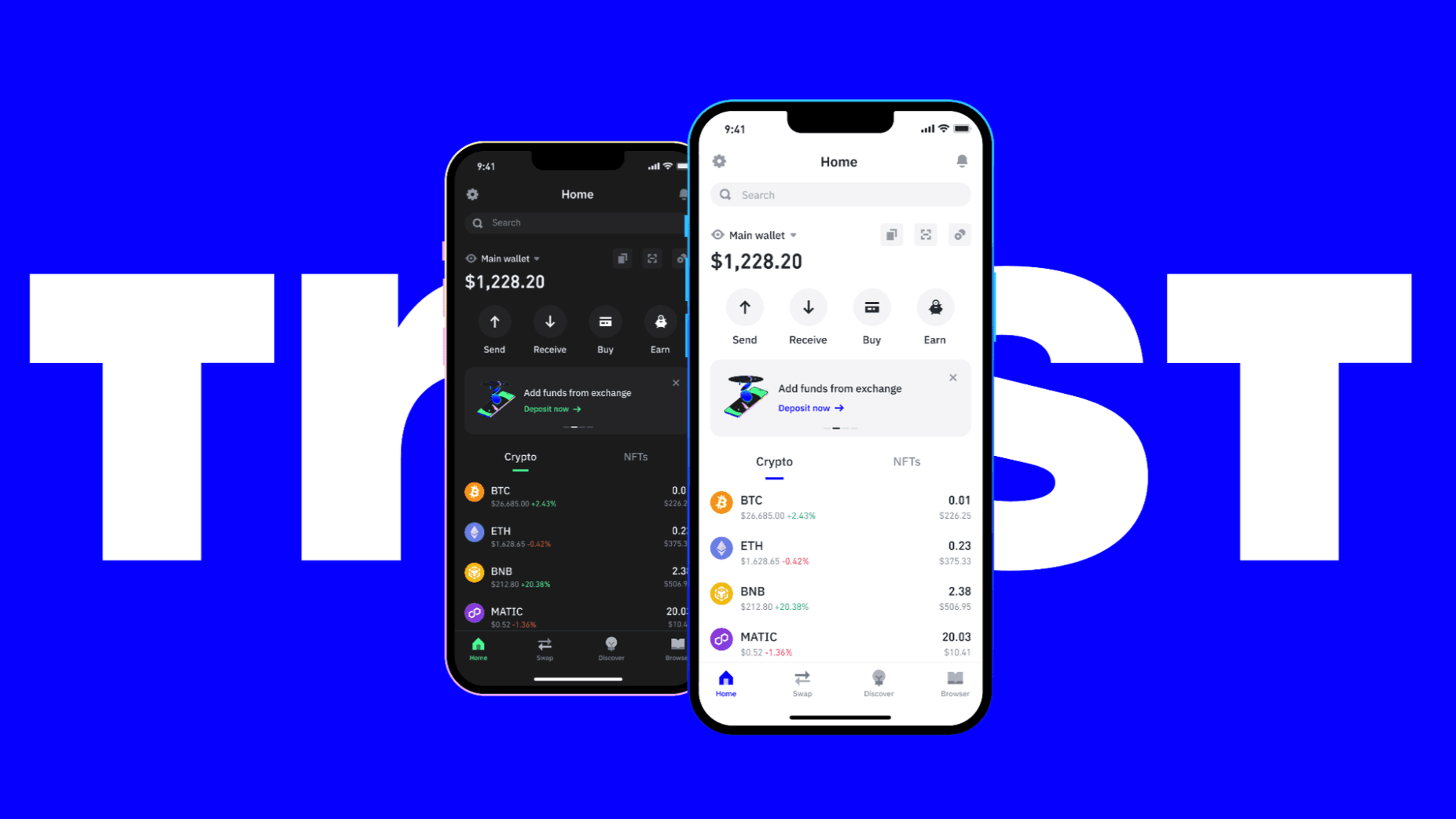
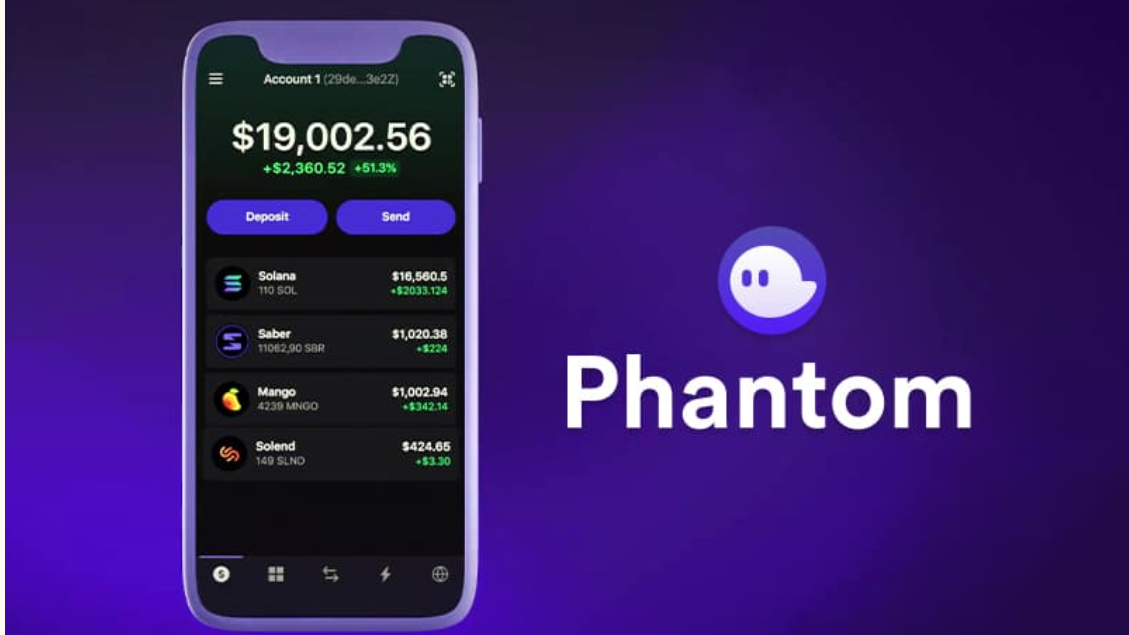
📱 Mobile Wallets (Trust/Phantom)

  • Hot wallets with cold storage features
  • Balance of security and convenience
  • Can be used as "warm wallets"
  • Secure element technology

Security Level: Medium


Wallet Setup Guides

Step-by-Step Instructions for Trust Wallet & Phantom

Trust Wallet

Multi-Chain Mobile Wallet

Key Features

70+ Blockchains
Web3 Browser
Staking
NFT Storage
Buy with Card
Open Source

Setup Steps

1

Download App

Get from iOS App Store or Google Play Store

2

Create Wallet

Tap "Create new wallet" & accept terms

3

Backup Phrase

Write 12-word phrase & store securely offline

4

Verify Phrase

Select words in correct order to confirm

5

Security Setup

Enable biometric auth & strong passcode

Phantom Wallet

Solana & Ethereum Extension

Key Features

Solana Optimized
Ethereum & Polygon
NFT Gallery
Token Swap
Staking
Multi-chain

Setup Steps

1

Install Extension

Get from Chrome Web Store or Firefox Add-ons

2

Create Wallet

Click "Create New Wallet" & read security tips

3

Save Recovery

Write 12-word phrase - never store digitally

4

Confirm Phrase

Select words in order to verify backup

5

Set Password

Create strong password for device protection

Security Best Practices

✅ Do's

  • Write seed phrase on paper (not digitally)
  • Store multiple copies in secure locations
  • Use hardware wallets for large amounts
  • Enable all available security features
  • Verify website URLs before connecting wallet
  • Keep software updated

❌ Don'ts

  • Never share seed phrase with anyone
  • Don't store seed phrase digitally (screenshots, cloud)
  • Avoid public Wi-Fi for wallet transactions
  • Don't click suspicious links in emails/DMs
  • Avoid unknown dApps and smart contracts
  • Don't use simple or common passwords

Wallet Comparison

Feature Trust Wallet Phantom Wallet
Platform Mobile App Browser Extension
Primary Chains Multi-chain (70+) Solana, Ethereum, Polygon
NFT Support ✅ Yes ✅ Yes
Staking ✅ Yes ✅ Yes
Built-in Swap ✅ Yes ✅ Yes
Web3 Browser ✅ Yes ❌ No
Best For Mobile users, multi-chain Solana users, desktop

Ready to Get Started?

Take the next step in securing your crypto assets

Now that you understand the importance of cold wallets and how to set up Trust Wallet and Phantom Wallet, you're ready to securely store your cryptocurrency assets.

💰 Test with Small Amounts First

Before transferring significant amounts, always send a small test transaction to verify everything works correctly. This helps avoid costly mistakes with wrong addresses or network selections.

⚠️ Critical Security Notice

Never share your seed phrase/recovery phrase with anyone. This includes:

  • Customer support representatives
  • Friends or family members
  • Anyone asking through email, social media, or phone
  • Websites claiming to "verify" your wallet

Your seed phrase is the ONLY way to recover your wallet. Keep it secure and offline.